# Getting Onboard - Login
This section guides you through login for Bsharp Converse across different platforms.
# How do you login with Google?
Bsharp allows you to log in using your Google account for easy access. This simplifies the login process and integrates seamlessly with your existing Google credentials.
**To login via Google,**
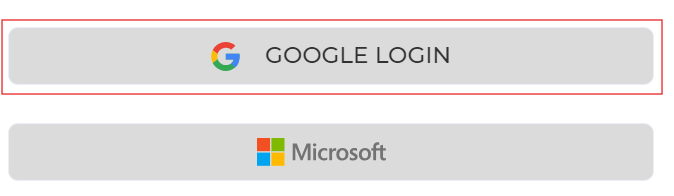
1. Head over to [Bsharp Converse.](https://converse.bsharpcorp.com/celebrate/proceed_signup) Select google login.
[ ](https://help.bsharpcorp.com/uploads/images/gallery/2024-06/LKoimage.png)
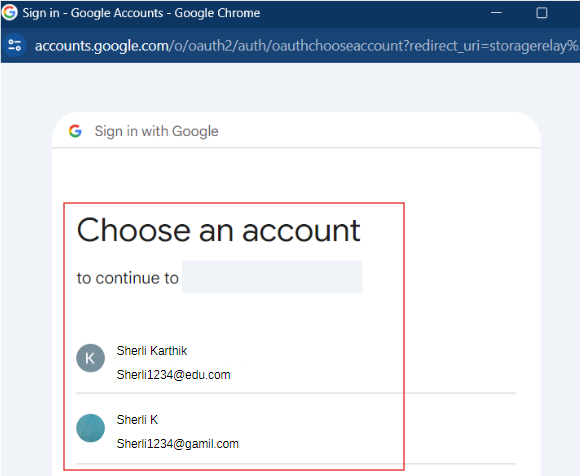
2. In the pop-up, select the Google account that is already signed up for Bsharp Converse.
[ ](https://help.bsharpcorp.com/uploads/images/gallery/2024-06/hFoimage.png)
**Thus you will be logged into Bsharp Converse via Google.**
# How do you login with Microsoft?
Bsharp allows you to log in using your Microsoft account for easy access. This simplifies the login process and integrates seamlessly with your existing Microsoft credentials.
**To login via Microsoft,**
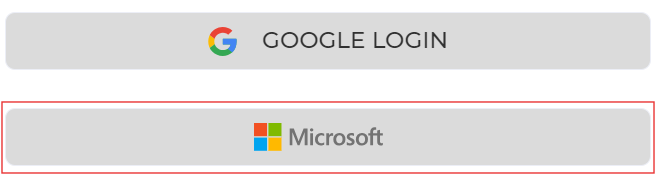
1. Head over to [Bsharp Converse.](https://converse.bsharpcorp.com/celebrate/proceed_signup) Select Microsoft.
[](https://help.bsharpcorp.com/uploads/images/gallery/2024-06/90zimage.png)
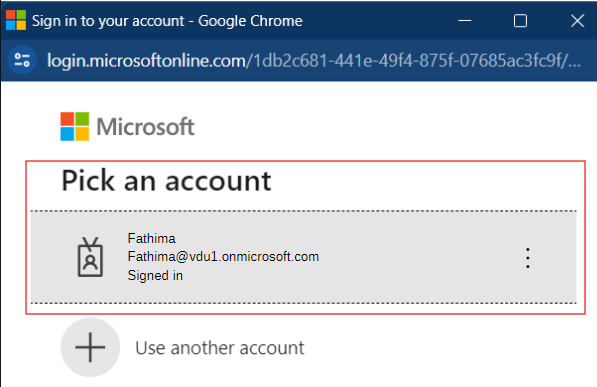
2. In the pop-up, select the Microsoft account that is already signed up for Bsharp Converse.
[ ](https://help.bsharpcorp.com/uploads/images/gallery/2024-06/j3mimage.png)
**Thus you will be logged into Bsharp Converse via Microsoft.**
# How do you login with email?
Bsharp allows you to log in using your email for easy access. This simplifies the login process and integrates seamlessly with your existing email credentials.
**To login via email,**
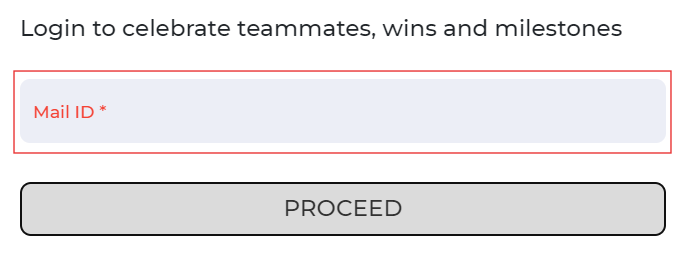
1. Head over to [Bsharp Converse.](https://converse.bsharpcorp.com/celebrate/proceed_signup) Enter you email ID and click on proceed.
[](https://help.bsharpcorp.com/uploads/images/gallery/2024-06/mIGimage.png)
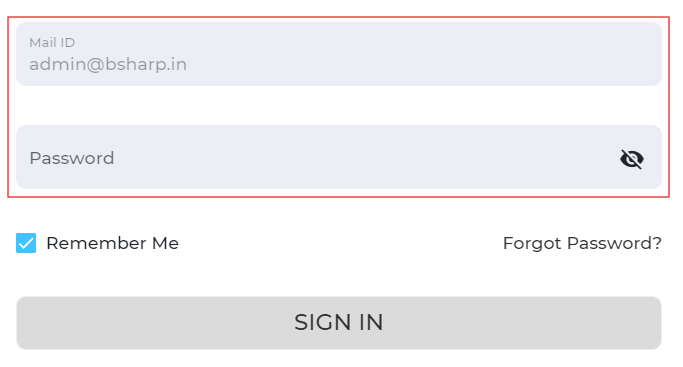
2. Enter your password that is created while signing up and click on sign in.
[](https://help.bsharpcorp.com/uploads/images/gallery/2024-06/tgUimage.png)
**Thus you will be logged into Bsharp Converse via email.**
# How do you login into Bsharp Converse?
Bsharp Converse allows you to log in using Google, email, Microsoft, or Google Chat. This flexibility makes it easy to access your account through multiple platforms.
**Different Login,**
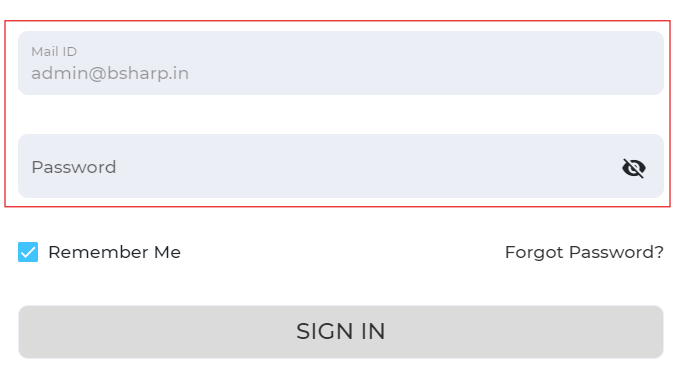
1. You can login using your email ID. Enter your email ID and password you set up during sign up on the Bsharp Converse page. then click on sign in.
[](https://help.bsharpcorp.com/uploads/images/gallery/2024-06/kA7image.png)
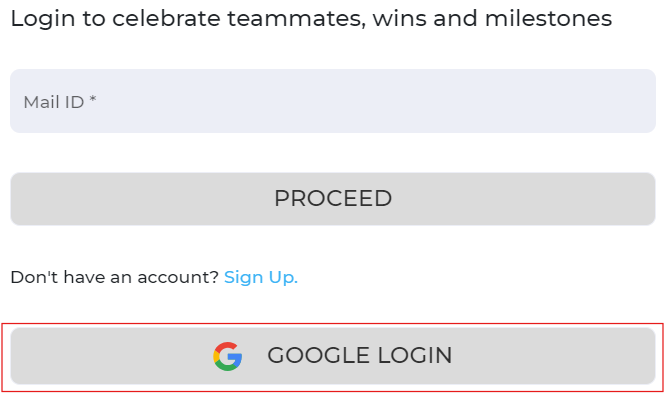
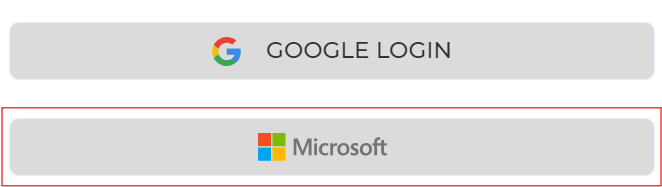
2. You can also login using your Google. Select Google login and select the google account that has been used to sign up in the pop up and you will be logged in automatically to Bsharp Converse.
[ ](https://help.bsharpcorp.com/uploads/images/gallery/2024-06/Dbuimage.png)
3. You will also have an option to login using your Microsoft. Select microsoft login and select the google account that has been used to sign up in the pop up and you will be logged in automatically to Bsharp Converse.
[](https://help.bsharpcorp.com/uploads/images/gallery/2024-06/BWlimage.png)
4. Finally, you can explore Bsharp Converse directly through Google Chat without signing up. Install the Bsharp Converse Bot from Google Chat Workspace Marketplace to receive the welcome card and access Bsharp Converse through slash commands.
**These are the various ways you can login to Bsharp Converse.**
# How do you login from within Google chat?
# What should I do if I forget my password?
If you forget your password, you can easily reset it by following the password recovery process provided on the login page of the platform. This typically involves verifying your email address and setting a new password to regain access to your account.
**In case you've forgotten your password,**
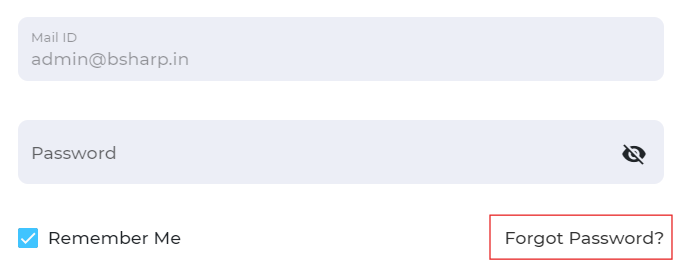
1. If you attempt to log in to your Bsharp Converse account using Google, email, or Microsoft credentials and forget your password, click on the "Forgot password" option.
[ ](https://help.bsharpcorp.com/uploads/images/gallery/2024-06/zllimage.png)
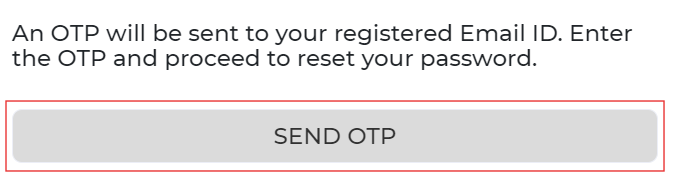
2. You will be redirected to the OTP page, where you will be asked for permission to send the OTP to your registered email ID. Click on send OTP.
[](https://help.bsharpcorp.com/uploads/images/gallery/2024-06/Plaimage.png)
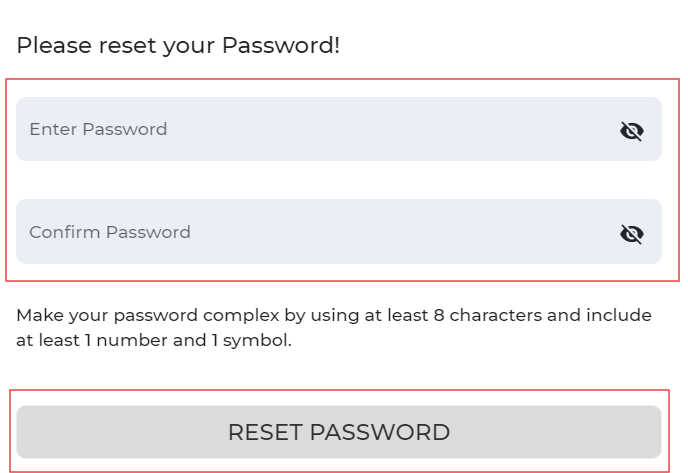
3. An OTP will be sent to your registered email ID. Enter the OTP to proceed to the password reset page. Provide and confirm your new password, then click "Reset Password" to complete the process.
[](https://help.bsharpcorp.com/uploads/images/gallery/2024-06/9DMimage.png)
**Once you create a new password, you will regain access to your Bsharp Converse account.**