# How do you login with Google?
Bsharp allows you to log in using your Google account for easy access. This simplifies the login process and integrates seamlessly with your existing Google credentials.
**To login via Google,**
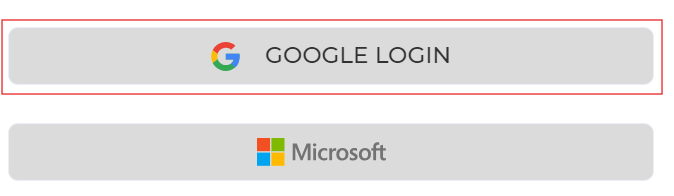
1. Head over to [Bsharp Converse.](https://converse.bsharpcorp.com/celebrate/proceed_signup) Select google login.
[ ](https://help.bsharpcorp.com/uploads/images/gallery/2024-06/LKoimage.png)
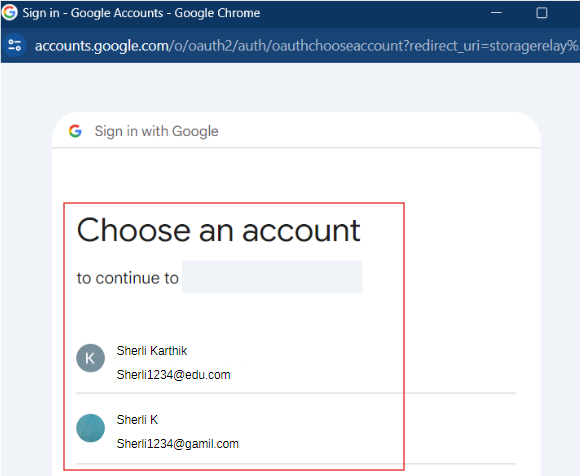
2. In the pop-up, select the Google account that is already signed up for Bsharp Converse.
[ ](https://help.bsharpcorp.com/uploads/images/gallery/2024-06/hFoimage.png)
**Thus you will be logged into Bsharp Converse via Google.**