# How do you signup with email?
You have the option to create a Bsharp Converse account using your email address for signup, ensuring convenience and accessibility.
**To sign up via email,**
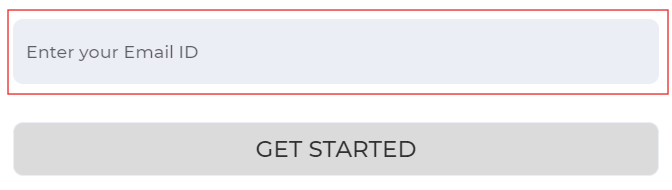
1. Head over to [Bsharp Converse](https://converse.bsharpcorp.com/celebrate/proceed_signup), click on sign up. enter your email ID, and then click get started.
[](https://help.bsharpcorp.com/uploads/images/gallery/2024-06/wlAimage.png)
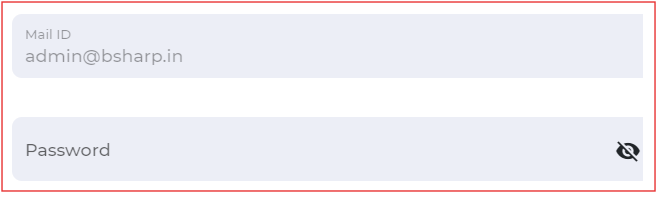
2. Set up your password.
[ ](https://help.bsharpcorp.com/uploads/images/gallery/2024-06/N8wimage.png)
3. Enter the necessary information and sign up.
**Thus you will be signed up to Bsharp Converse.**