
Daily Actions
1. Overview
The Daily Actions feature helps learners understand what they need to complete next on the platform. It provides a clear list of pending learning actions, making it easy for learners to stay focused and complete required learning on time.
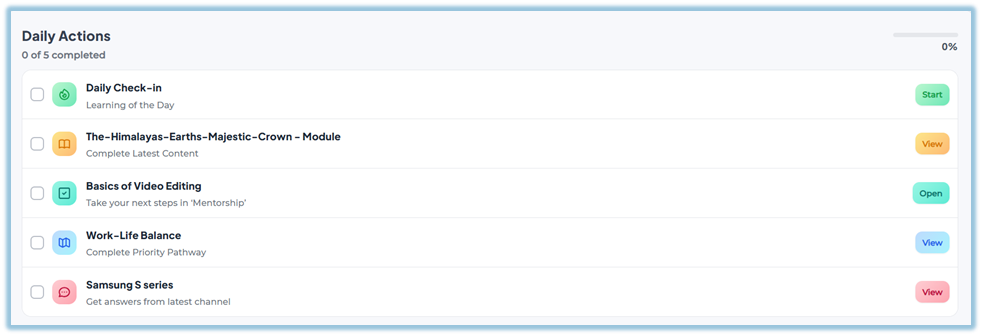
This feature improves learner engagement by guiding them step by step on what to complete next, without confusion.
2. When to Use
Use the Daily Actions feature when learners:
-
Want to know what learning items are pending
-
Need guidance on what to complete next
-
Have multiple assigned items across different features
This feature is especially useful for keeping learners on track without manual follow‑ups.
3. Concepts
-
Daily Actions Widget: A section visible on the Home page that lists pending learning items.
-
Automated Listing: Daily Actions are generated automatically by the system.
-
Incomplete Items: Only learning items that are not completed appear in Tasks.
-
Redirect Action: Clicking an action takes the learner directly to the relevant page.
The Tasks widget checks incomplete items across these platform features:
-
Learning of the Day (LOTD)
-
Modules / Training content
-
Coaching
-
Learning Pathways
-
Instant Answers
4. Setup Guide
No setup is required for the Daily Actions feature.
-
Daily Actions are system‑generated.
-
Admins do not need to create or assign actions manually.
-
Learners automatically see Daily Actions based on their assigned and incomplete learning items.
5. User View
-
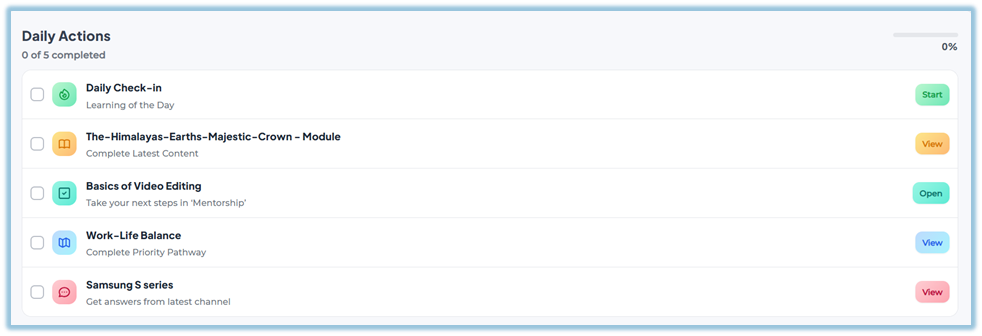
The Daily Actions widget appears on the Home page.
-
Learners can scroll down slightly to view the Daily Actions section.
-
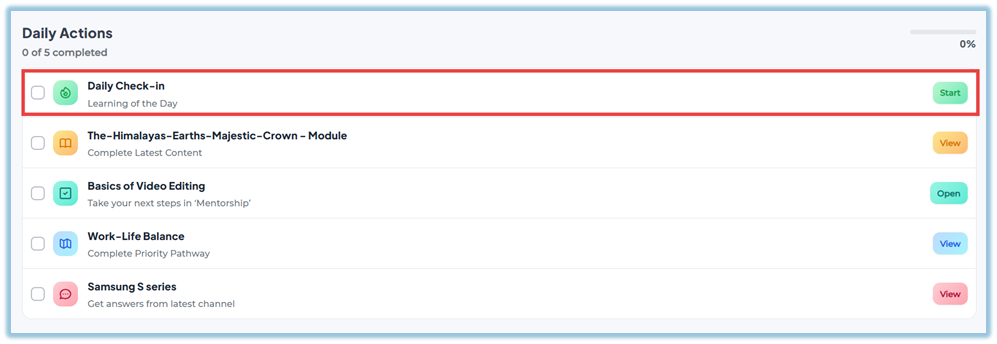
Each action clearly shows what needs to be completed.
-
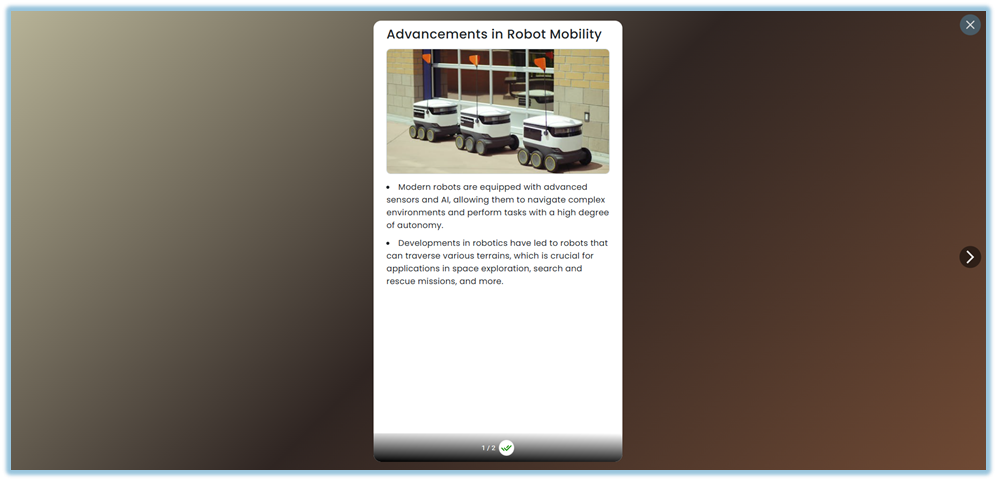
Selecting an action redirects the learner to the exact learning item (module, pathway, coaching, LOTD, or instant answer).
6. Reporting
-
Daily Actions do not have a separate report.
-
Completion is tracked within the respective feature (module, learning pathway, coaching, LOTD, or instant answers).
7. Best Practices
-
Learners should regularly check the Daily Actions section to stay updated.
-
Completing Daily Actions helps ensure no assigned learning is missed.
-
Use Daily Actions as a daily checklist for learning progress.
8. Troubleshooting & FAQs
Q: Can admins manually add or remove Daily Actions?
No. Daily Actions are fully automated and system‑driven.
Q: Why am I seeing many Daily Actions?
Because there are multiple assigned learning items that are not yet completed.
Q: Will completed items still appear in Daily Actions?
No. Once an item is completed, it is automatically removed from the Daily Actions list.
Q: What happens when I click a Daily Actions?
You will be redirected to the corresponding learning item.
9. Version Notes
Last Updated: 21 Apr 2026
No Comments